

Overview
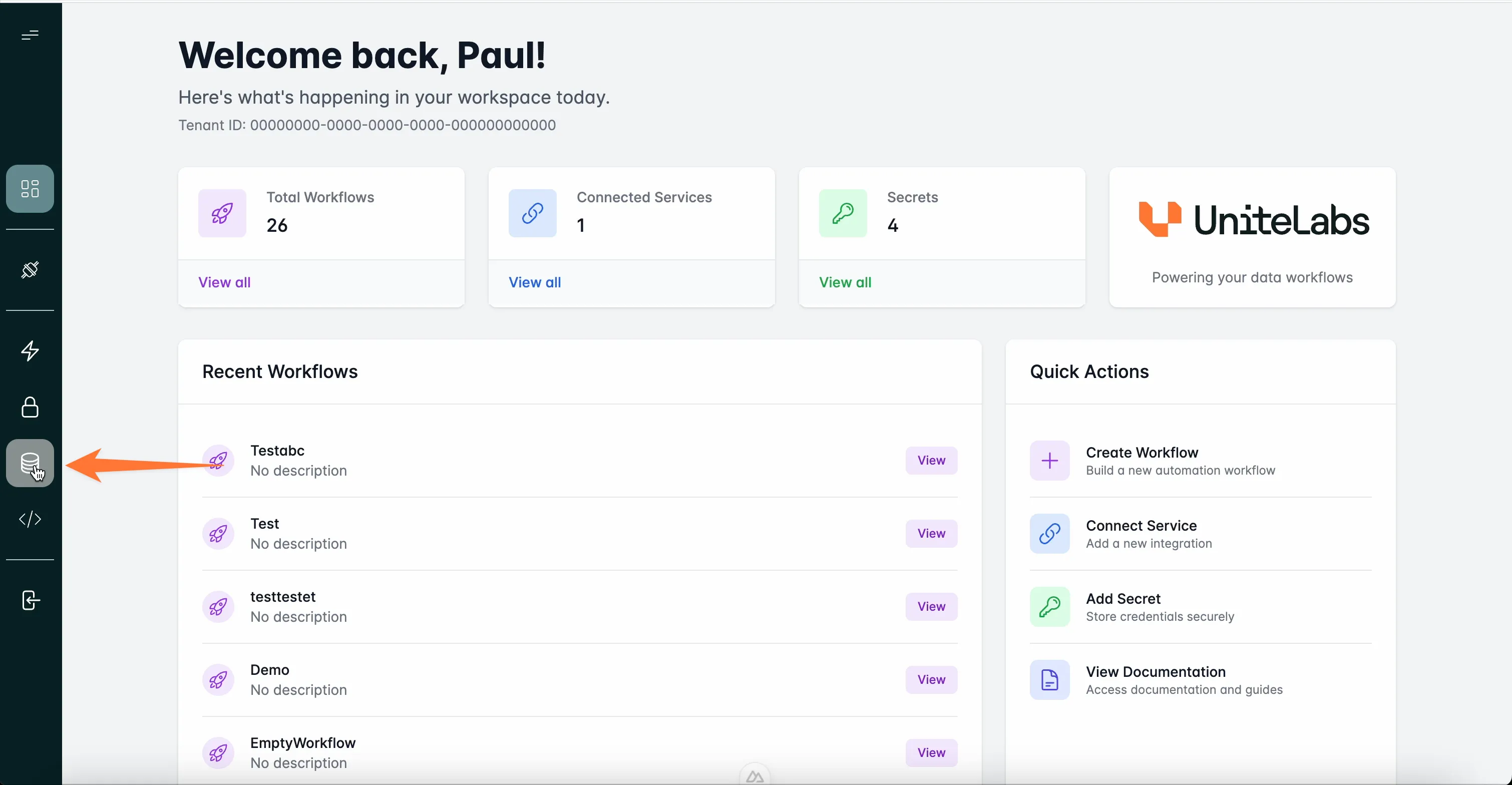
UniteLabs provides a layered data infrastructure so workflows can ingest raw instrument files, persist structured records, and expose both to downstream analysis — without managing storage backends manually. Three components work together: Object Storage, the Data Warehouse, and File System Connectors.
How the data layer fits together
Data flows in one direction through the stack. Instruments write result files to local directories. File System Connectors detect new files via change subscriptions and forward them upstream. Object Storage (S3-compatible MinIO) holds every raw file as an immutable archive. ETL workflows — orchestrated by Prefect — pull files from Object Storage, parse them, and write structured records into the Data Warehouse (PostgreSQL).
Instrument output
      │
      ▼
File System Connector  ──────────────────►  Object Storage (S3/MinIO)
(subscribe_changes)                               │
                                                  ▼
                                         ETL Workflow (Prefect)
                                                  │
                                                  ▼
                                       Data Warehouse (PostgreSQL)
Each layer is independently accessible — analysts can query the Warehouse directly with DBeaver, and raw files in Object Storage are always available for reprocessing.
Components
Object Storage
S3-compatible file storage for raw instrument output and processing artifacts. Backed by MinIO with boto3-compatible APIs. Learn more →
Data Sources
Managed PostgreSQL warehouse for structured experiment data. Define models with SQLModel and query from any Postgres client. Learn more →
File System Connector
Monitor instrument directories in real time and trigger data pipelines on new files using the UniteLabs SDK. Learn more →
Secrets
Securely store and retrieve credentials used by workflows and connectors. All data components load credentials at runtime from the secrets manager. Learn more →
Data Lineage
Follow material and labware through a workflow run. Review the history in the Platform, or read and stream events through the API. Learn more →
Credentials and secrets
All data layer credentials are stored in the UniteLabs secrets manager — never hardcoded. Two key secrets the data layer depends on:
datalake-admin— MinIO access key, secret key, endpoint URL, and bucket namewarehouse-admin— PostgreSQL connection string for the managed warehouse
See Secrets for setup steps.
A typical data pipeline
Here is what happens end-to-end when a LabChip GXII Touch runs a protein analysis:
- The instrument writes three CSV files (
PeakTable,SizeTable,WellTable) to a local directory. - A File System Connector monitors that directory and emits a change event for each new file.
- A Prefect ETL flow receives the event, uploads the raw file to Object Storage under
data/instruments/labchip/, and records the file path in the Warehouse. - Once all three files for a plate are present, the flow parses them, maps wells to Benchling sample IDs, and writes structured results to the
labchip_resultstable. - Downstream workflows and BI tools query the Warehouse directly.
Last updated